
WSI-Quantory is an inventory and material traceability system that connects weighing scales, touchscreen weighing terminals, QR or barcode workflows, label printing and a central application. It captures material inward and outward transactions by weight, pieces, or both.
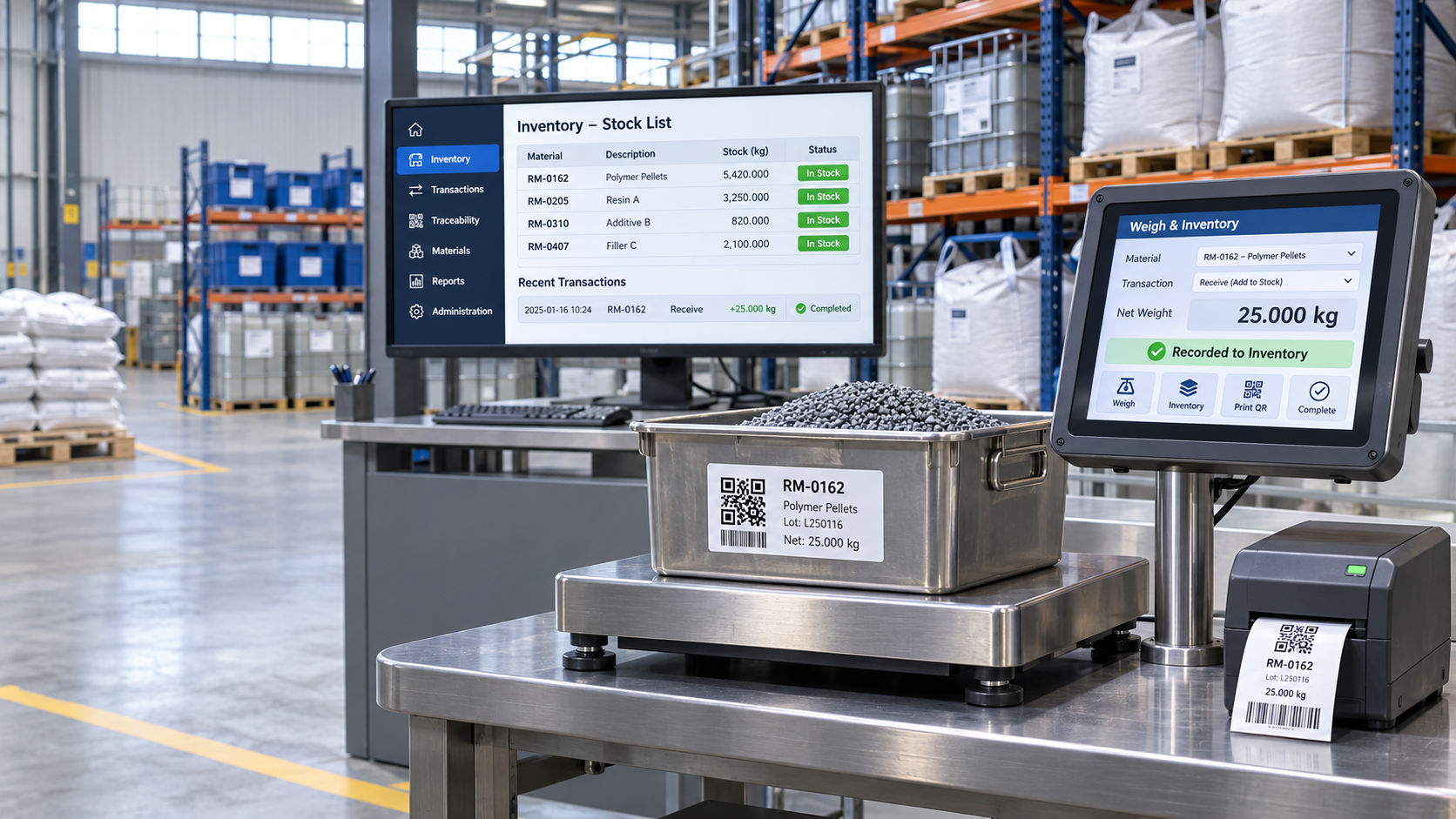
Connect every weighing point to one traceable inventory system
Quantory places inventory capture at the physical weighing station, reducing repeated transcription from a scale display into a register or spreadsheet. A central application maintains products, suppliers, clients, users, batches, labels, stock, terminals and transaction records, while industrial touchscreen weighing terminals guide operators through the weighing workflow.
Inventory by weight or pieces
Configure each product for weight, piece count, or weight with a corresponding quantity. Manual and calculated piece counts are supported where required.
Material inward and outward
Receive against supplier invoices and issue to clients with shared transaction details, product selection, lots, quantities and operator accountability.
QR and barcode traceability
Generate a compact material UID and print it as a QR label. Scan the same material identity during outward processing to connect receipt, stock and dispatch.
Batch receiving and dispatch
Create planned batches with product lines, billed quantities and tolerances, then compare received or dispatched results before review and acceptance.
Multiple weighing terminals
Connect multiple uniquely identified touchscreen weighing terminals to one LAN or cloud application, with terminal location, status, configuration and last-seen information.
Offline-capable continuity
Eligible transactions can be queued during temporary PC or network interruptions, with cached label templates and synchronization when connectivity returns.
From physical measurement to usable stock data
- Operator signs in at a weighing terminal and selects material inward or outward.
- Supplier or client and common invoice or dispatch information are entered once.
- The operator selects a product, enters lot or batch information, and captures weight, pieces, or both.
- Quantory generates a material UID and prints a QR label when receiving material.
- The transaction updates the central stock ledger or enters the eligible offline queue.
- During dispatch, the QR identity can be scanned to identify the material and deduct the recorded quantity.
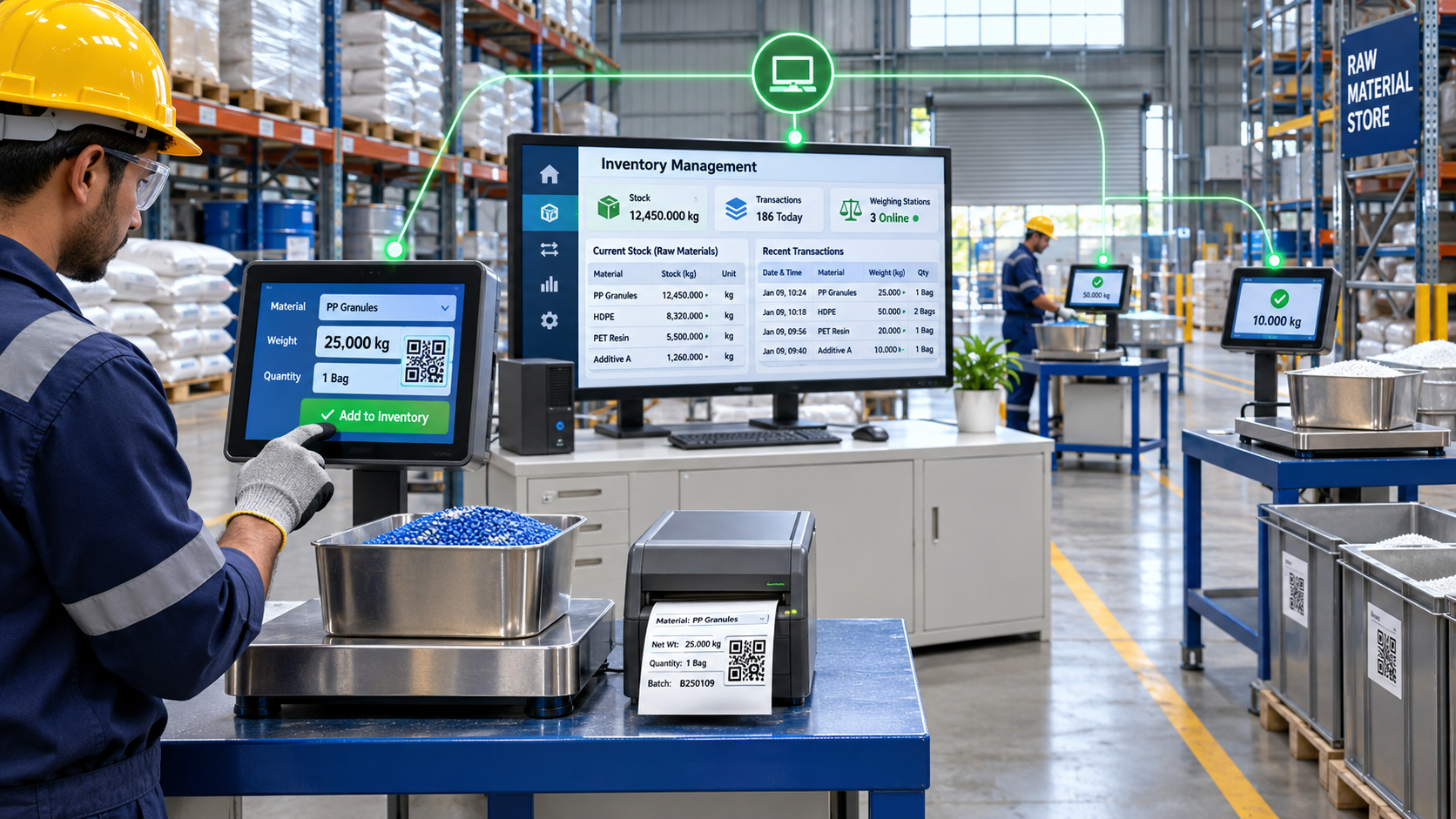
Central PC application and touchscreen terminals
The central application manages product masters, supplier and client records, users, labels, batches, stock, transaction ledgers, reports and connected terminals. Each touchscreen terminal provides a touch-friendly interface for operator login, inward and outward transactions, live weight capture, piece entry, QR or barcode scanning, label printing, batch execution and offline queuing.
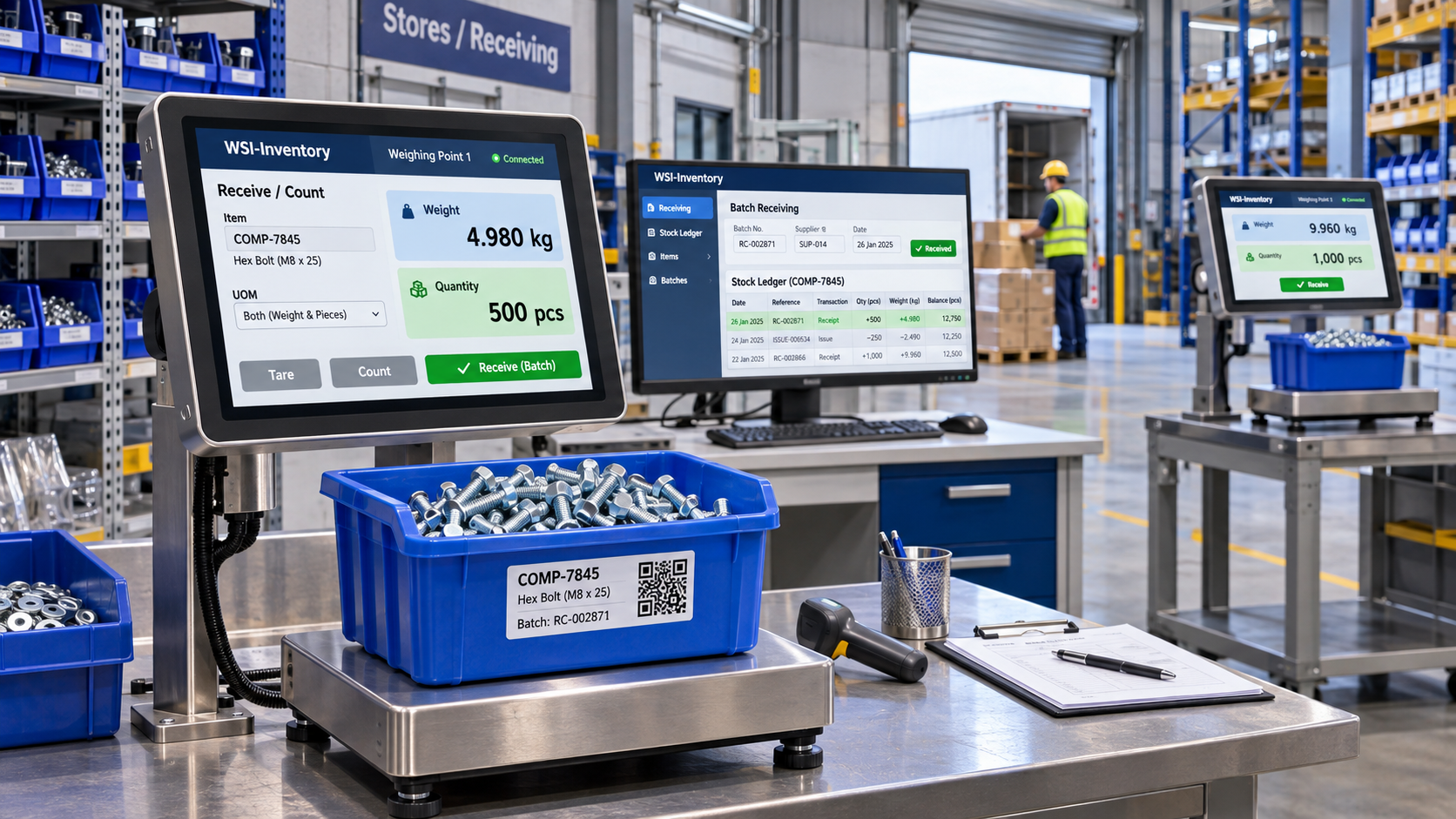
Built for industrial stores and production workflows
- Manufacturing and engineering plants
- Raw-material stores and industrial warehouses
- Metal, chemical, food, plastics, textile, packaging and component businesses
- Production facilities receiving or issuing material by weight
- Businesses handling bulk material and counted components
- Sites with several weighing scales on one local network
LAN and cloud deployment options
LAN-based Quantory
Run the application within the customer's local network for centralized management of connected weighing terminals at one plant. Local operation supports controlled site data flow and can continue with eligible offline queues during temporary interruptions.
Cloud-based Quantory
Use a cloud deployment when inventory needs to be managed across multiple plants, warehouses or locations through one centralized database. Authorized users can view shared stock, transactions, batches and terminal information across participating sites.
Technical configuration
| Area | Specification |
|---|---|
| Architecture | Central application with network-connected weighing terminals |
| Terminal hardware | Industrial touchscreen terminal hardware selected and configured for the weighing application |
| Operator display | Touchscreen display sized for the installation and operator workflow |
| Scale input | Serial scale data with configurable port and baud rate, subject to compatibility |
| Transactions | Weight, pieces, or weight with associated piece count |
| Identification | Compact hexadecimal material UID with QR label workflow |
| Label printing | TSC TTP-244 Pro or compatible TSPL printer |
| Network | Local Ethernet or Wi-Fi network; cloud connectivity available where required |
| Deployment | LAN-based single-site or cloud-based multi-plant centralized database |
| Exports | Current-stock CSV and transaction-ledger CSV |
| Access | Operator, supervisor and administrator roles |
Frequently asked questions
Can Quantory manage more than one weighing station?
Yes. Multiple industrial touchscreen weighing terminals can connect to the same LAN or cloud application, each with its own terminal ID, location and status.
Can products be managed by both weight and pieces?
Yes. Product configuration can use weight, piece quantity, or both. Piece count may be entered manually or calculated from configured unit weight.
What happens if the PC or network is temporarily unavailable?
After synchronization, eligible terminal transactions can be queued locally. Cached label templates allow local label printing, and queued work can synchronize after connectivity returns.
Are LAN and cloud versions available?
Yes. Quantory can be deployed on a local LAN for a plant, or as a cloud-based solution for centralized inventory management across multiple plants and locations.
Plan a connected inventory weighing system
Contact WSI to discuss scale protocols, weighing stations, product and quantity rules, QR labels, printer requirements, batch workflows and site deployment.
Request a Quantory demonstration